
Agents
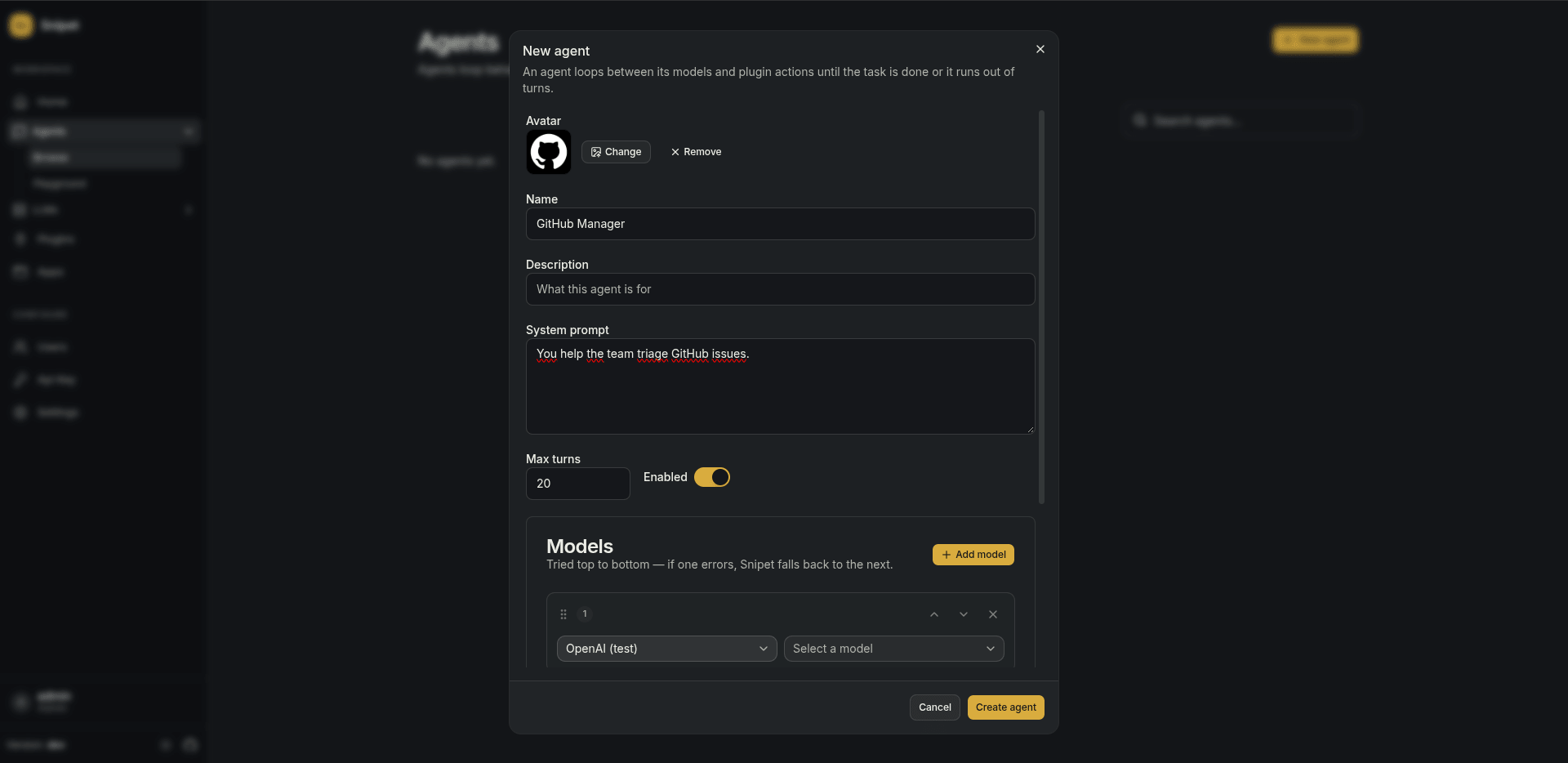
An agent answers messages by calling models and, when it needs to, plugin actions. Create and edit agents in Agents > Browse.
System prompt
Section titled “System prompt”What the agent is for and how it should behave. Snipet also tells it its name and adds the instructions of the plugins it may use.
Models
Section titled “Models”An agent has an ordered list of models. Snipet tries the first one; if that call fails, it moves on to the next. Use it to fall back from a cloud model to a local one, or from one provider to another.
Plugins
Section titled “Plugins”Pick the plugin connections the agent may use. By default it gets every action of a connection; narrow it down with allow and deny patterns, like search_* or delete_*.
Each time the agent calls a model is a turn. When the model asks for plugin actions, Snipet runs them and calls the model again with the results, until it answers in plain text. Max turns (20 by default) stops an agent that keeps calling actions.
Playground
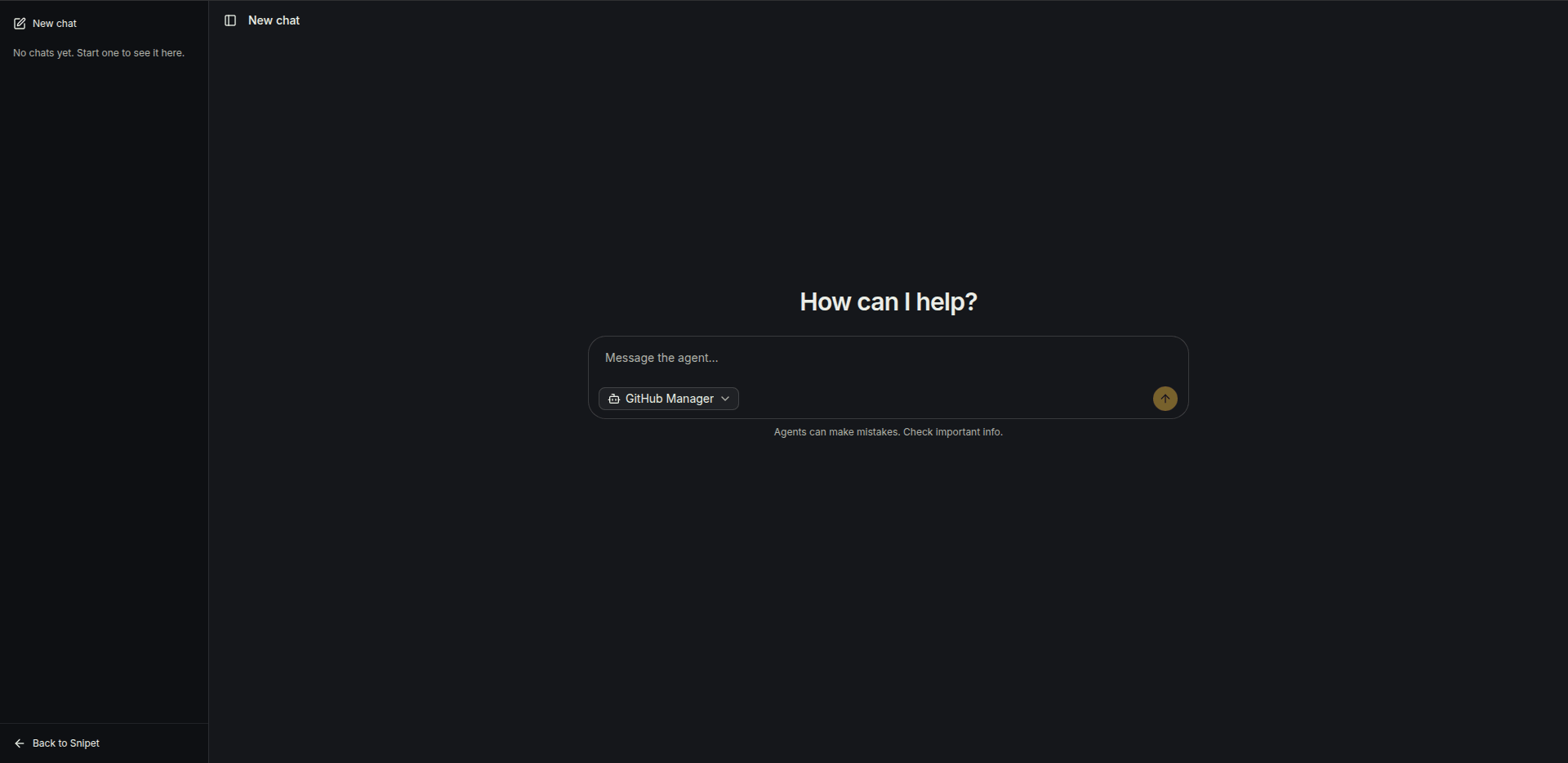
Section titled “Playground”Agents > Playground is a chat with any of your agents. Every conversation is saved as a session, and you can open the arguments and result of each plugin call.
Debug mode
Section titled “Debug mode”When an agent does something unexpected, turn on Debug mode in Settings. From then on every run saves what went in and out: the prompt, each model call, each plugin call and its result, and how long they took.
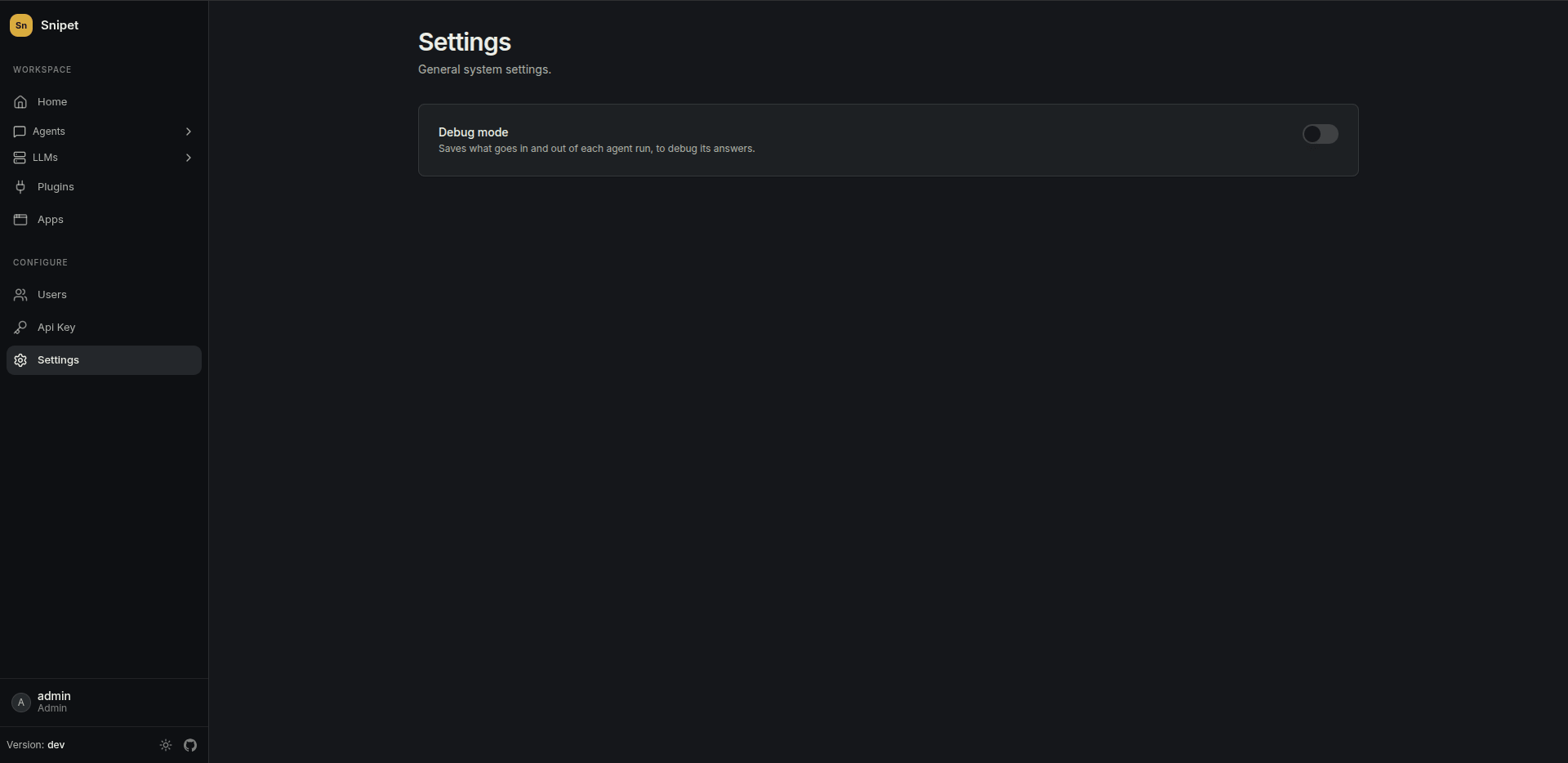
Debug logs are saved as JSON files in the configured storage (STORAGE_DRIVER), under debug/. While debug mode is on, chats show a notice that the conversation isn’t private: logs hold everything users write. Turn it off when you’re done.
Related
Section titled “Related”- Put the agent in front of users with an app and the chat widget.