Styling
Start with the lightest option that does the job.
Options
Section titled “Options”theme, size, radius, primaryColor, backgroundColor and textColor cover most sites:
SnipetWidget.init({ apiUrl, appId, agentId, theme: "auto", primaryColor: "#0f766e", radius: 8,});CSS variables
Section titled “CSS variables”Set them on snipet-widget from your own stylesheet:
snipet-widget { --sw-accent: #0f766e; --sw-font: "Inter", sans-serif;}Variables: --sw-accent, --sw-accent-text, --sw-surface, --sw-text, --sw-muted, --sw-border, --sw-header, --sw-header-text, --sw-input, --sw-shadow, --sw-font, --sw-radius, --sw-scale.
Style specific pieces with ::part(), for example to move the launcher above a cookie banner:
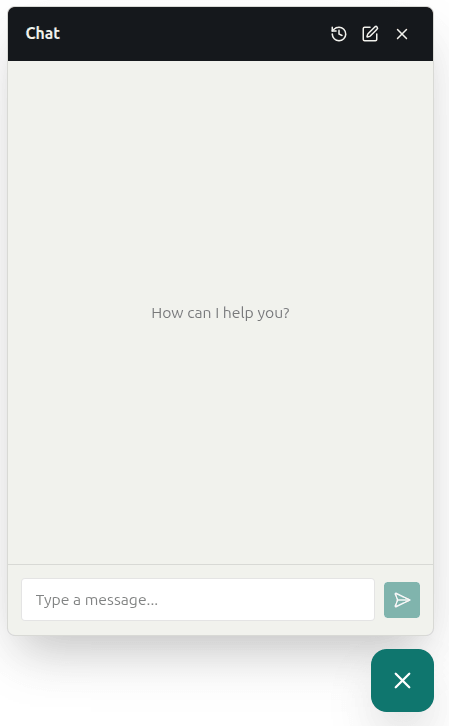
snipet-widget::part(launcher) { bottom: 80px;}Parts: root, panel, header, body, message, user, assistant, composer, input, send, launcher, sessions, session.
Custom CSS
Section titled “Custom CSS”For anything else, the css and cssUrl options load CSS inside the widget’s Shadow DOM, where it can restyle any .sw-* class. These classes can change between versions, so prefer the options above when they’re enough.